Switch to RotaTree
Moving from a spreadsheet or another rota tool?
Bring your people, locations and roles. We set the workspace up with you. If you are coming from RotaCloud, we import your shifts, workers, locations and roles and keep their IDs.
Get a demo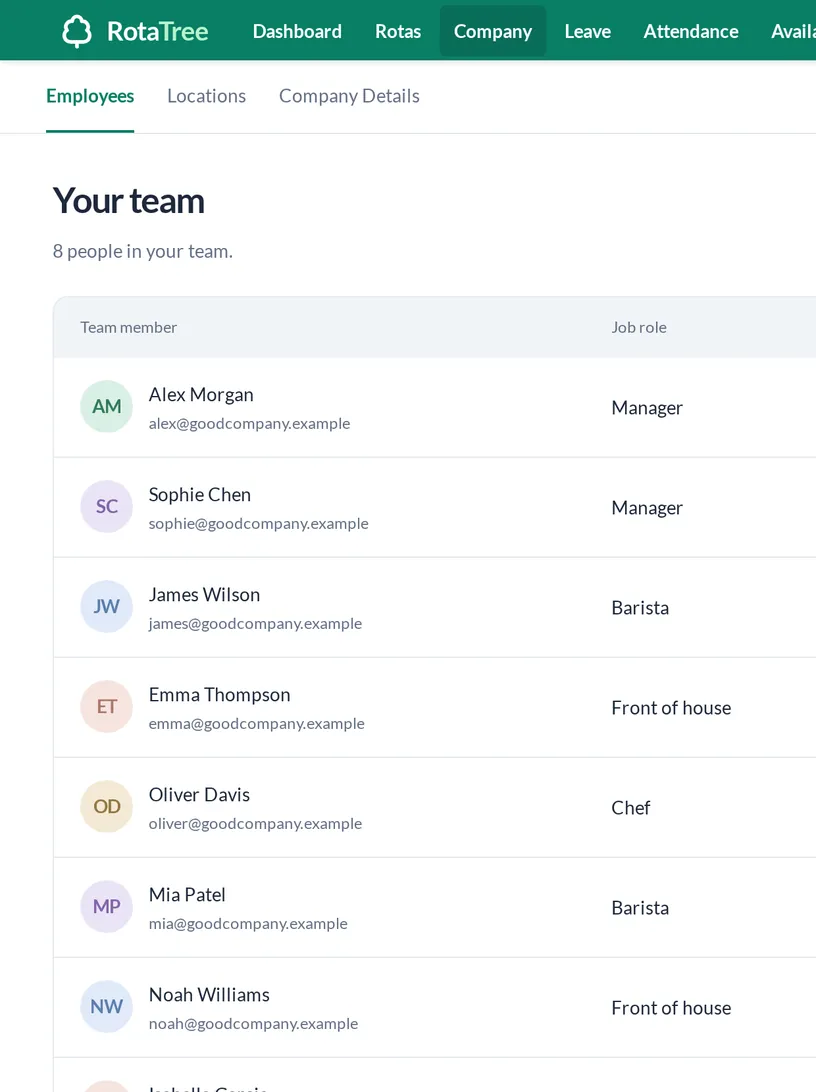
From spreadsheets or paper
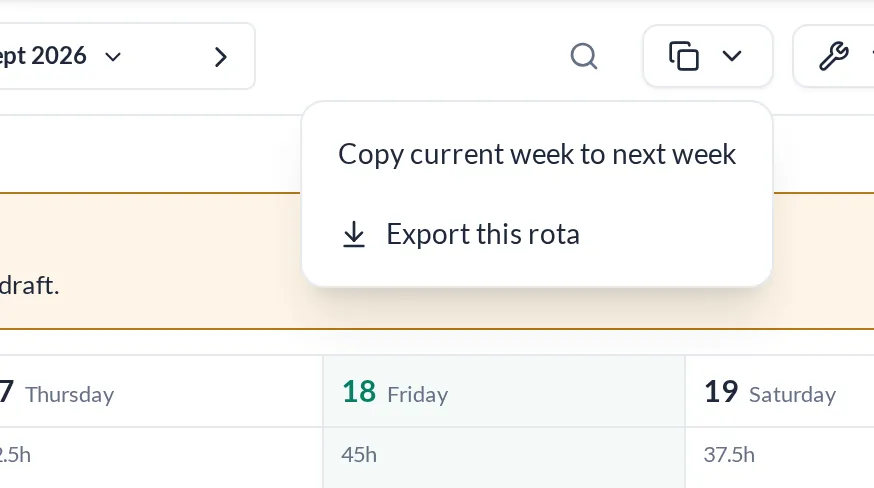
Set up once, then copy the week forward
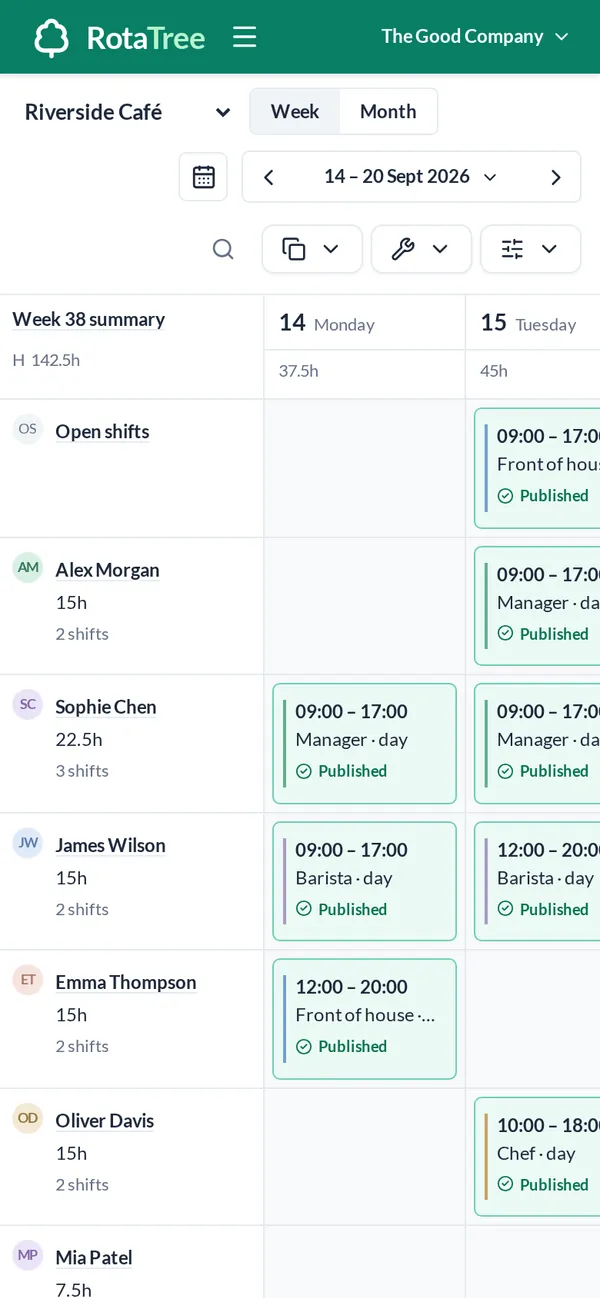
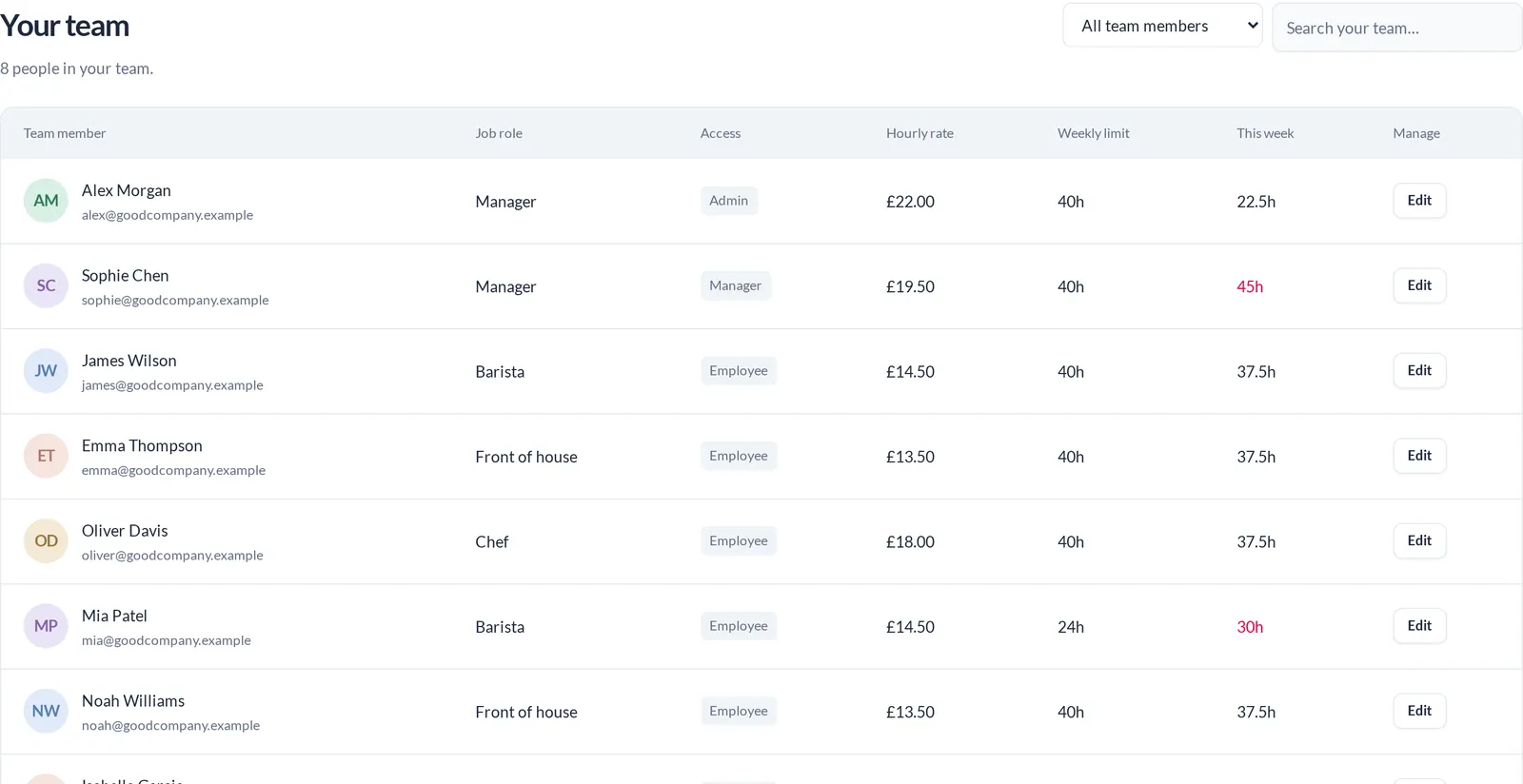
Add your locations, people, roles and pay rates in Company settings. Build the first week on the grid, publish it, and copy it forward the week after.
- Locations, people and roles
- Pay rates and weekly hour limits
- Copy a week forward
- We set up logins for your managers and staff
From another rota tool
Bring the structure, not the habits
Tell us on the demo how your sites, roles and approvals work today. We set the workspace up with you to match, and staff use it from the browser on their phones.
- Set up with you by the RotaTree team
- Nothing to install on staff phones
- CSV export whenever you need the data out
From RotaCloud
Shifts, workers, locations and roles
The RotaTree team runs the import for you. It covers the four things a rota depends on, and each record keeps the ID it had in RotaCloud.
- Shifts
- Workers
- Locations
- Roles
- Source IDs preserved
API
Your integrations keep their shape
RotaTree’s API registers the same 129 method and path combinations as RotaCloud’s and keeps the documented parameter names, numeric IDs and pagination.
- New base URL: https://api.rotatree.com/v1
- New key: RotaCloud keys do not work on RotaTree
- 120 requests per minute per key
curl 'https://api.rotatree.com/v1/shifts?start=1798761600&end=1799366400&limit=100&offset=0' \
  -H "Authorization: Bearer $ROTATREE_API_KEY"

# 120 requests per minute per key
# limit and offset pagination, numeric IDs, Unix-second timestamps
What changes
What is different, plainly
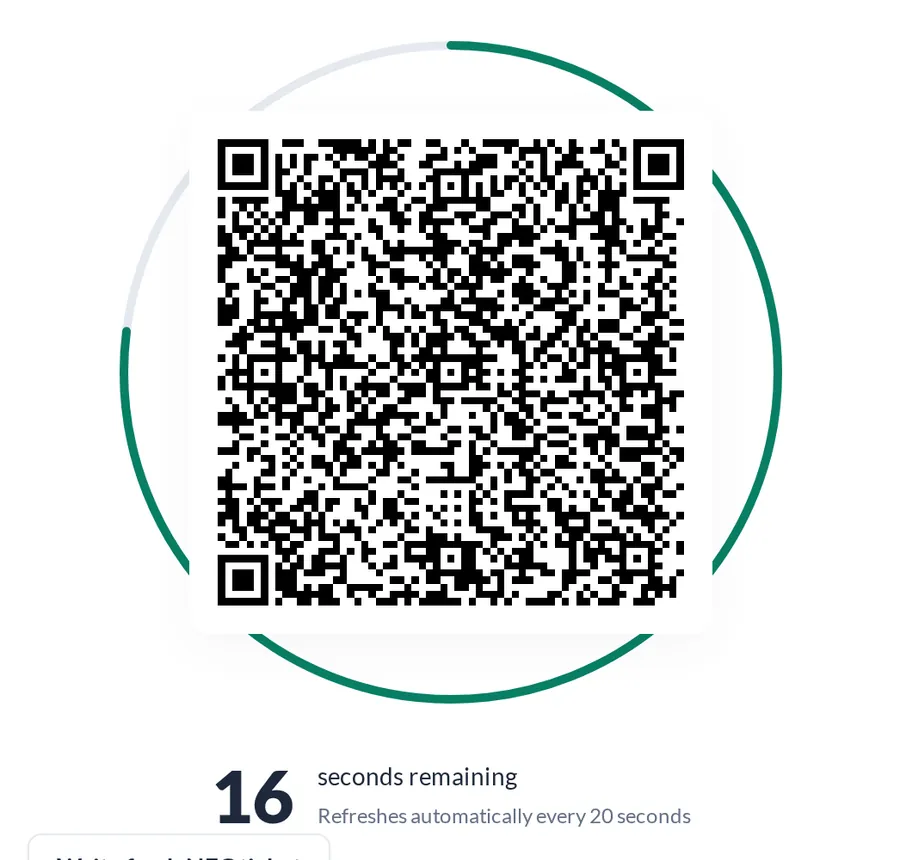
Clock-in moves to the 20-second QR terminal, and your team logs in at app.rotatree.com. We do not claim identical API behaviour in every case, so test integrations against the OpenAPI spec.
- Staff use the browser on their phone; there is no native app
- Create RotaTree API keys in Settings
- OpenAPI spec at api.rotatree.com/openapi.json
Getting started
What does switching look like?
The same three steps as any new team, with an import if you are coming from RotaCloud.
-
- We import shifts, workers, locations and roles from RotaCloud, or you add them
- Check pay rates and weekly hour limits
- We set up logins for your managers and staff
-
- Publish the first week from RotaTree
- Point integrations at the new base URL and key
- Leave requests move into the app
-
- Terminal tablet showing the 20-second QR code
- First month approved and locked
- Reports by location and role
FAQs
We only use a spreadsheet. Is there anything to import?
No. You add locations, people, roles and pay rates once, and we set up the logins. From then on you copy the week forward.
What gets imported from RotaCloud?
Shifts, workers, locations and roles, each with its RotaCloud ID preserved. The RotaTree team runs the import for you.
Will our API integrations still work?
They need the new base URL and a RotaTree key. Paths and parameter names match; we do not claim identical behaviour in every case, so test them.
Do RotaCloud API keys work?
No. Create new keys in RotaTree.
Is there a native app for staff?
No. RotaTree runs in the browser on any phone.
How do we get a demo?
Tell us how big the team is. We will show you RotaTree set up for a team like yours.


- Weekly rota
- Monthly rota
- Open shifts
- Copy week
- Draft to publish
- Labour cost per day
- Leave ledger
- Sickness and TOIL
- Availability patterns
- 20-second QR clock-in
- Monthly attendance sheet
- Payroll lock
- Scheduled vs actual
- CSV export
- API
- Signed webhooks
- Multi-location
- Pay rates
- Weekly-hour limits