Availability
Know who can work before you plan.
Each employee keeps a monthly calendar of when they can and cannot work. Managers see it while building the rota.
Get a demo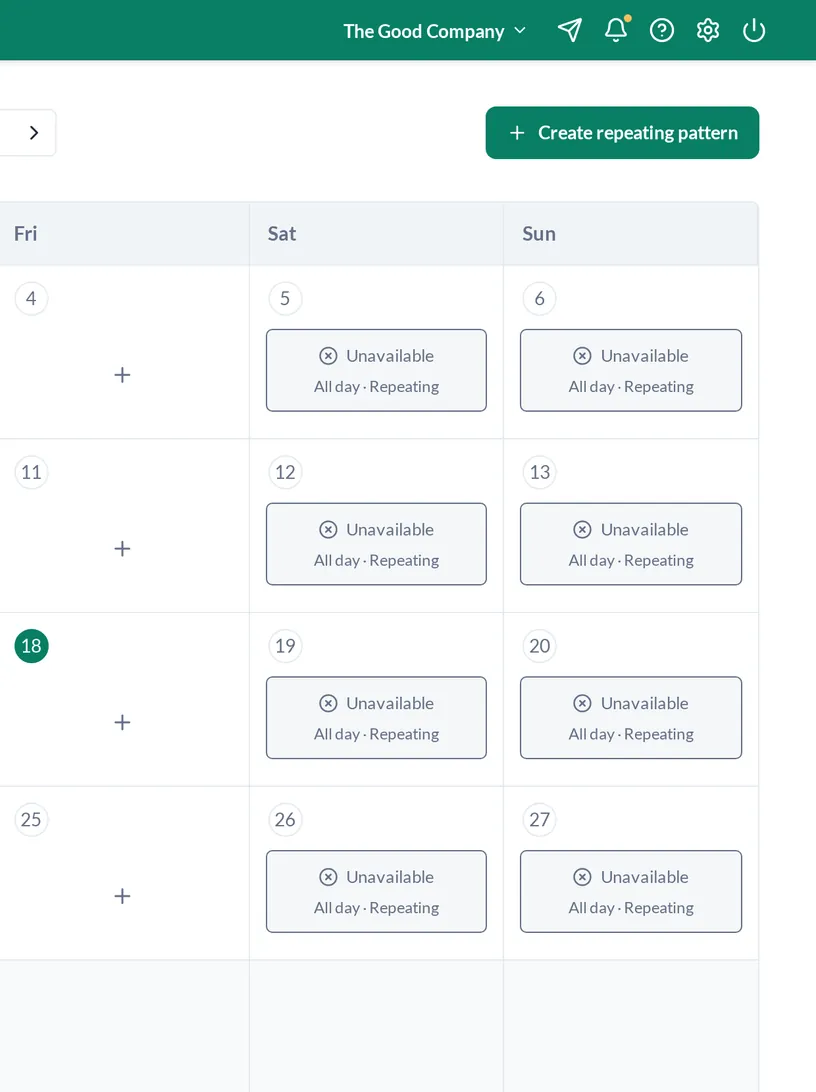
Calendar
A monthly calendar per person
One month at a time, one tap per day. Employees fill in their own; managers can view anyone at their locations.
- Available or unavailable
- Month-by-month navigation
Timed entries
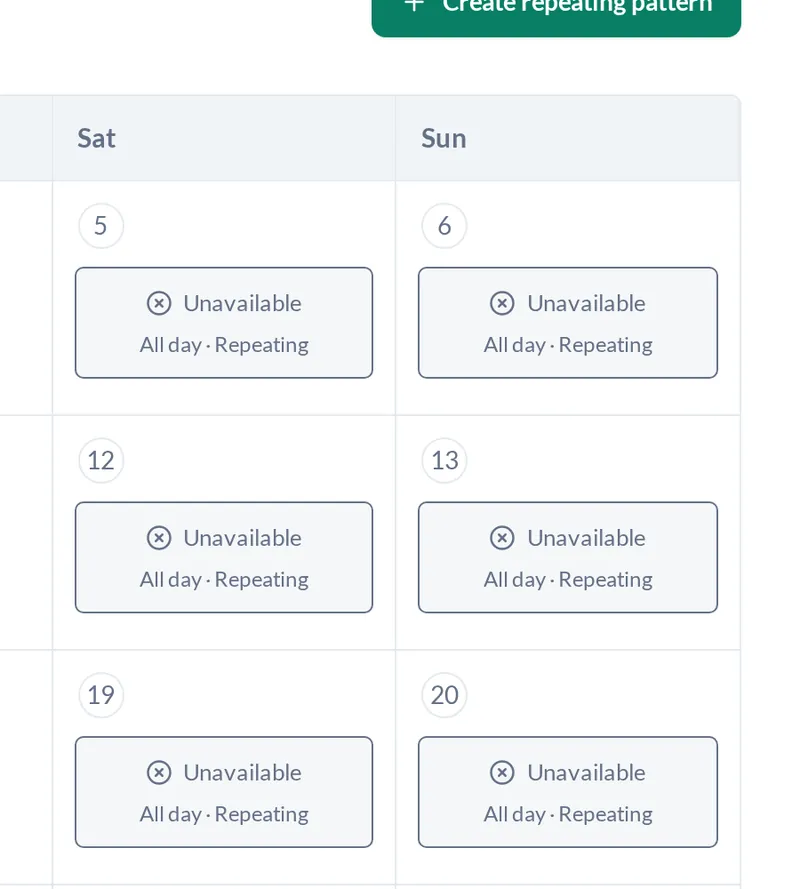
All day, or just some hours
Unavailable on Tuesday mornings but fine after 1pm? Enter the hours instead of the whole day.
- All-day entries
- Timed entries
Patterns
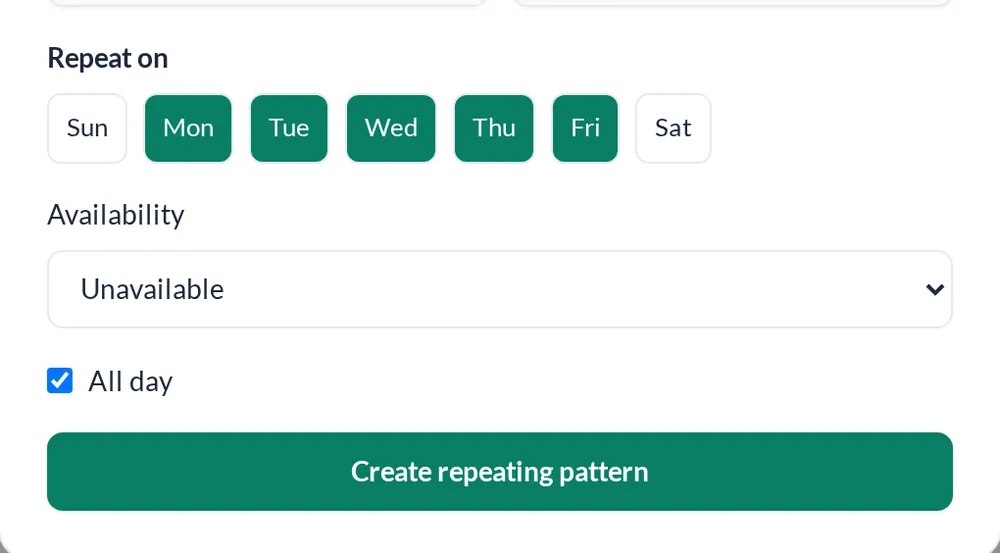
Repeat a weekday pattern
Set a pattern once, for example never on Sundays, and it repeats without being re-entered every month.
- Repeating weekday patterns
Planning
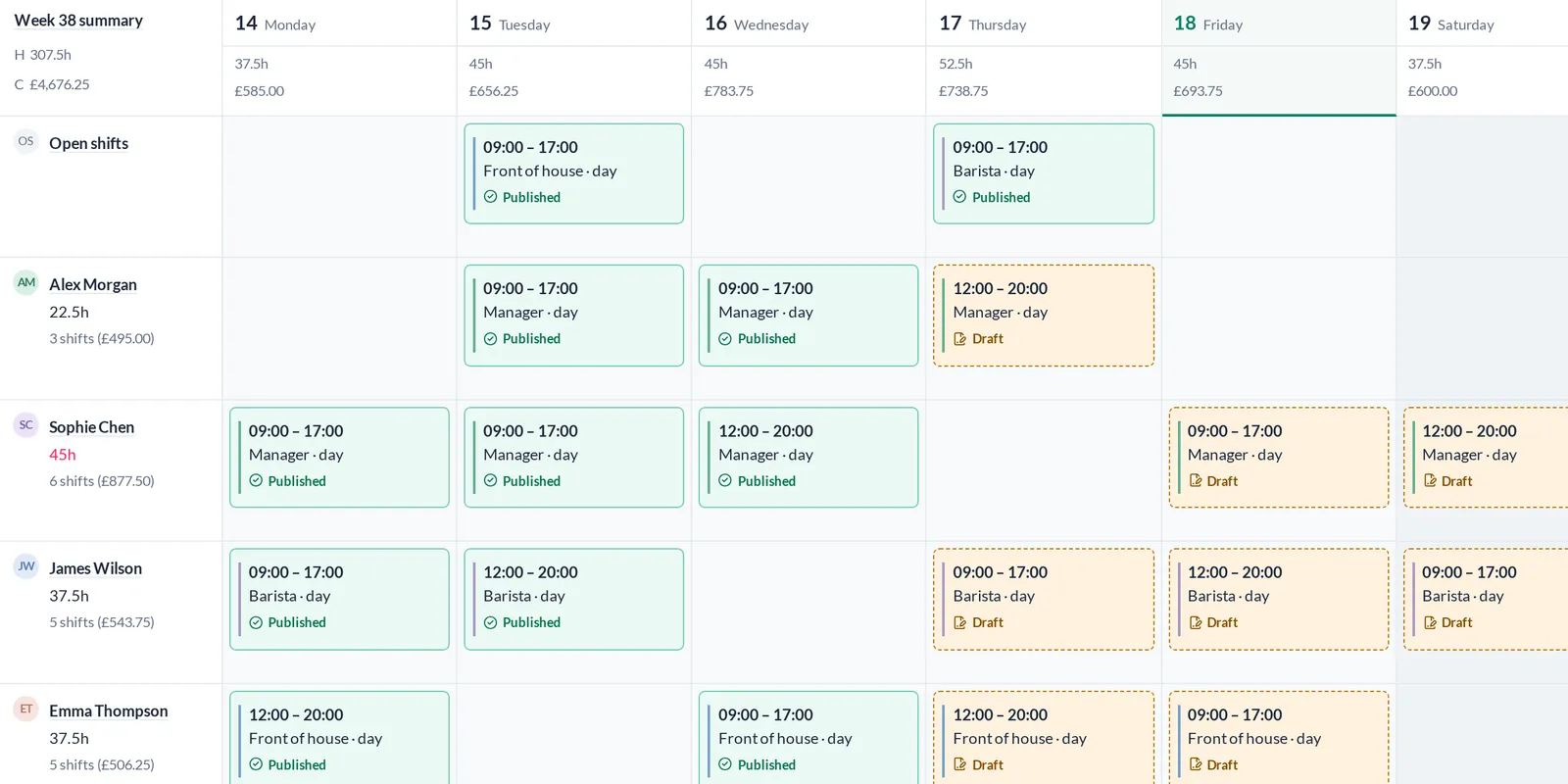
Seen where the rota is built
Availability and approved leave are both visible when you plan, so the first draft is closer to the final one.
- Unavailability report
- Leave-conflict validation on the rota
Everything else in the workspace
FAQs
Who fills in availability?
Employees enter their own. Managers and admins can view it.
Is unavailability the same as leave?
No. Leave is requested and approved against an allowance. Availability tells the manager when someone can work.
Can availability repeat?
Yes. Create a repeating weekday pattern.
How do we get a demo?
Tell us how big the team is. We will show you RotaTree set up for a team like yours.


- Weekly rota
- Monthly rota
- Open shifts
- Copy week
- Draft to publish
- Labour cost per day
- Leave ledger
- Sickness and TOIL
- Availability patterns
- 20-second QR clock-in
- Monthly attendance sheet
- Payroll lock
- Scheduled vs actual
- CSV export
- API
- Signed webhooks
- Multi-location
- Pay rates
- Weekly-hour limits